
Tech
Student Laptop Examples For Families: Simple Guide for 2026

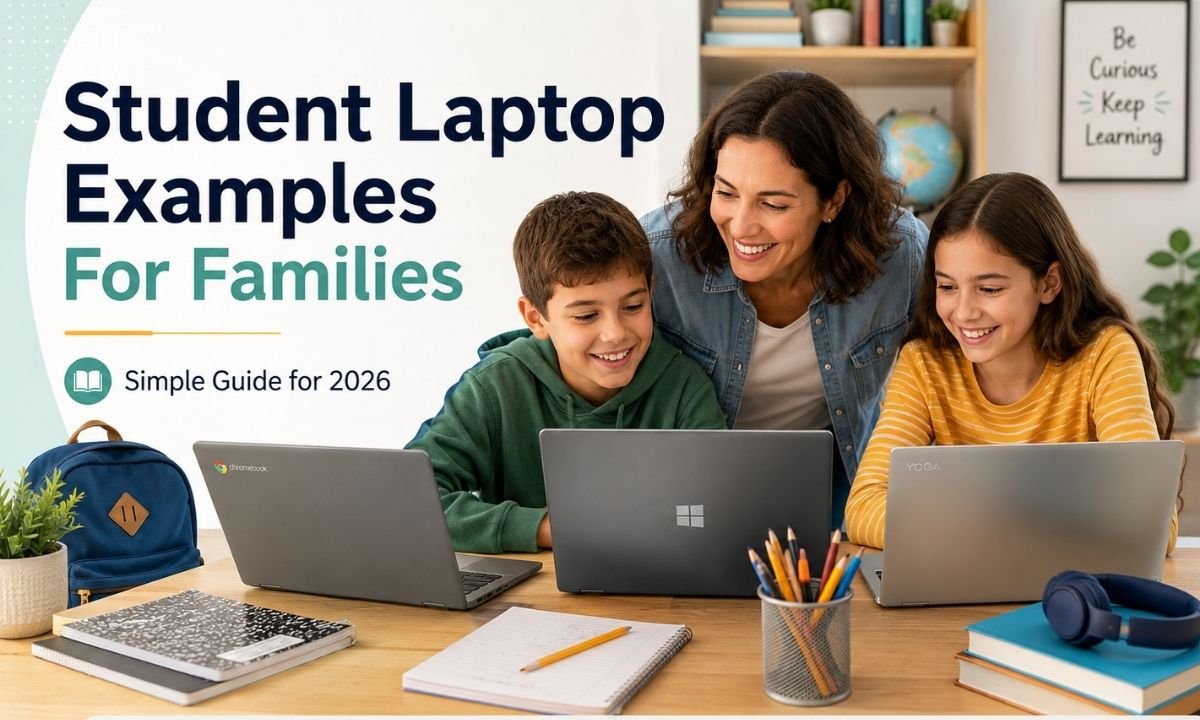
Choosing a laptop for school can feel hard, but it does not have to be confusing. Parents want something safe, fast, light, and not too costly. Students want something easy to carry and good for homework, video classes, typing, research, and fun learning. This guide on student laptop examples for families will help you understand what type of laptop fits each age, grade, and home budget in 2026. The best laptop is not always the most expensive one. The best choice is the one that matches the student’s real daily work.
Why Student Laptop Examples For Families Matter in 2026
In 2026, many schools use online tools every day. Students may need Google Classroom, Microsoft Teams, Zoom, Canva, coding apps, and learning websites. That is why student laptop examples for families are useful. They help parents compare simple choices before spending money. A young child may only need a Chromebook. A high school student may need a Windows laptop. A college student may need a MacBook or a stronger Windows laptop. Families can save money when they understand these simple differences.
What Changed in Student Laptops This Year
A big change in 2026 is that laptops are becoming smarter. Many new laptops now have AI features for writing help, image editing, voice tools, and better video calls. Chromebook Plus laptops now have stronger basic rules, like 8GB RAM, 128GB storage, a Full HD IPS screen, and a 1080p webcam. Google also says ChromeOS devices can receive 10 years of updates from the platform release date, which is helpful for school use. These updates make student laptop examples for families more important than before because support life matters.
Best Simple Laptop Type for Young Students
For elementary school students, the best option is often a Chromebook. This type is simple, light, and easy to use. It works well for web browsing, Google Docs, school videos, and online homework. Parents also like Chromebooks because they are usually cheaper than many Windows laptops or MacBooks. When looking at student laptop examples for families, a Chromebook with 8GB RAM, good battery life, and a strong body is a smart choice for young kids. It is also easier to manage if the student mostly works online.
Good Laptop Type for Middle School Students
Middle school students may need a little more power. They may use slides, research tools, light design apps, and many browser tabs at once. For this age group, a Chromebook Plus or a budget Windows laptop can be a good fit. A Chromebook Plus is useful for students who live mostly inside Google apps. A Windows laptop is better when the school needs special software. This is why student laptop examples for families should include both Chromebook and Windows choices. Each family should ask the school what apps are needed before buying.
Smart Laptop Type for High School Students
High school students need more balance. They may write long reports, edit videos, attend online classes, use spreadsheets, and save many files. A Windows laptop with at least 16GB RAM and 256GB SSD storage is a strong choice for many students. Copilot+ PCs also use 16GB RAM, 256GB SSD storage, and an AI chip with at least 40 TOPS for local AI tasks. These details show why student laptop examples for families in 2026 should focus on memory, storage, and long-term use, not only the price tag.
Laptop Examples for College Students
College students usually need a laptop that lasts longer and works for many tasks. A MacBook Air is a popular option for students who want long battery life, a light body, and smooth performance. Apple lists the 13-inch MacBook Air with M4 as offering up to 18 hours of video streaming and up to 15 hours of wireless web use. A Windows ultrabook is also a great pick for students who need Microsoft Office, business apps, or engineering tools. These student laptop examples for families help parents choose based on the student’s field.
Best Budget Student Laptop Examples For Families
Budget matters for most homes. A good budget laptop should still have enough speed for school. In 2026, families should try to avoid very old laptops with slow storage and low memory. A laptop with 8GB RAM is fine for basic schoolwork, but 16GB RAM is better for long-term use. For storage, 128GB is okay for Chromebooks, while 256GB or more is better for Windows laptops. These student laptop examples for families can help avoid a cheap laptop that becomes slow after a few months.
Best Shared Laptop for Brothers and Sisters
Some homes need one laptop for more than one child. In that case, durability is very important. A shared laptop should have a strong hinge, a good keyboard, and enough storage for different student accounts. A 14-inch screen is often a nice middle size. It is not too small and not too heavy. For shared use, student laptop examples for families should include a Chromebook Plus, a mid-range Windows laptop, or a refurbished business laptop. A used business laptop can be strong if it has a good battery and updated software.
Safety and Parent Control Features
Parents should also think about safety. A student laptop should support safe browsing, account controls, screen time rules, and easy updates. Chromebooks are often simple for parents because Google accounts can be managed easily. Windows laptops also have family safety tools. MacBooks have screen time controls too. Good student laptop examples for families should not only talk about speed. They should also talk about safety, privacy, updates, and how easy it is for parents to help when something goes wrong.
Features Families Should Check Before Buying
Before buying, families should check the screen, keyboard, battery, webcam, weight, storage, RAM, and warranty. A Full HD screen is better for reading and online classes. A comfortable keyboard helps with writing. A 1080p webcam is useful for video lessons. Battery life is important for school days. Warranty is also important because kids may drop or damage devices. When using student laptop examples for families, parents should compare these real features instead of only looking at brand names or sales offers.
Mistakes Families Should Avoid
One common mistake is buying the cheapest laptop without checking the specs. Another mistake is buying a powerful laptop that the student does not need. Some families also forget to check school software rules. For example, some classes need Windows apps, while others work fully online. Some students need touchscreens, but many do not. The best student laptop examples for families should stop parents from wasting money. A smart laptop choice should match the student’s grade, school apps, and daily study habits.
Final Thoughts
The best laptop for a student is the one that makes learning easy. In 2026, families have many good choices, from simple Chromebooks to stronger Windows laptops and long-lasting MacBooks. The right pick depends on age, school needs, budget, and how long the family wants to keep the device. This guide on student laptop examples for families shows that parents do not need to feel lost. A good laptop should be safe, fast enough, easy to carry, and ready for homework. When families compare carefully, they can buy with more confidence and less stress.
FAQs
1. What are the best student laptop examples for families in 2026?
The best student laptop examples for families in 2026 include Chromebooks for young students, Chromebook Plus laptops for middle school, Windows laptops for high school, and MacBook Air or Windows ultrabooks for college students. The best choice depends on school apps, budget, and daily use.
2. Is a Chromebook good for students?
Yes, a Chromebook is good for many students. It works well for Google Docs, online classes, browsing, and homework. It is also easy to use and often cheaper than other laptops. For younger students, student laptop examples for families often start with a Chromebook because it is simple and safe.
3. How much RAM should a student laptop have?
For basic schoolwork, 8GB RAM can work well. For high school, college, or long-term use, 16GB RAM is better. More RAM helps the laptop stay smooth when many tabs and apps are open. That is why many student laptop examples for families in 2026 suggest 16GB RAM when the budget allows it.
4. Should families buy a Windows laptop or a MacBook?
A Windows laptop is better when the student needs special school software, business tools, gaming, coding, or engineering apps. A MacBook is good for students who want long battery life, smooth performance, and a simple design. The best student laptop examples for families compare both options before buying.
5. What screen size is best for students?
A 13-inch or 14-inch laptop is best for most students because it is easy to carry. A 15-inch laptop gives more screen space but can feel heavy. Younger students may like smaller laptops, while older students may need a bigger screen for writing, research, or design work.
6. Are refurbished laptops good for families?
Yes, refurbished laptops can be good if they come from a trusted seller and include a warranty. A refurbished business laptop can be strong and affordable. Families should check battery health, storage, RAM, and software support before buying. This makes refurbished models useful student laptop examples for families on a budget.
7. What is the most important feature in a student laptop?
The most important feature is balance. A student laptop should have enough speed, good battery life, a clear screen, a comfortable keyboard, safe software, and strong build quality. Price matters, but the cheapest laptop is not always the best. Good student laptop examples for families help parents find the right balance.

Top Benefits of Choosing a Velo Electrique Puissant for Urban Commuting

Michelle Gumbel: What to Know About Greg Gumbel’s Daughter

Theodora Holmes Husband: How She Built a Private Life With Troy Polamalu

Jean Taynton Age: What We Know About John Lithgow’s First Wife

Summer Odalis Beckham Age: Meet Odell Beckham Jr.’s Youngest Sister

David Hefner Age: How Old Is Hugh Hefner’s Son Today?

Meet Samantha Rotunda: The Woman Once Married to Bray Wyatt

Who Was Amy Arnaz? Life Story of Desi Arnaz Jr.’s Wife

Kirsten Barlow Age: How Old Is Joe Lando’s Wife Today?

Alma Gonzales Today: What Happened After Richard Thomas?
Top Benefits of Choosing a Velo Electrique Puissant for Urban Commuting
Michelle Gumbel: What to Know About Greg Gumbel’s Daughter
Theodora Holmes Husband: How She Built a Private Life With Troy Polamalu
Jean Taynton Age: What We Know About John Lithgow’s First Wife
Summer Odalis Beckham Age: Meet Odell Beckham Jr.’s Youngest Sister
David Hefner Age: How Old Is Hugh Hefner’s Son Today?
Meet Samantha Rotunda: The Woman Once Married to Bray Wyatt
Who Was Amy Arnaz? Life Story of Desi Arnaz Jr.’s Wife
Kirsten Barlow Age: How Old Is Joe Lando’s Wife Today?
Alma Gonzales Today: What Happened After Richard Thomas?
-

 Celebrity3 months ago
Leonardo DiCaprio Daughter: The Real Story in 2026
-

 Entertainment3 months ago
What Is Latest Entertainment News 2026? Big Updates in Movies, Music, and TV
-

 Technology3 months ago
Best Budget Gadgets for Students in 2026: Smart Tools That Save Money
-

 Celebrity3 months ago
Celebrity Wife Biography: Why Fans Search for Famous Family Stories