Artificial Intelligence
Free AI Tools for Content Writing: Best Picks for Beginners

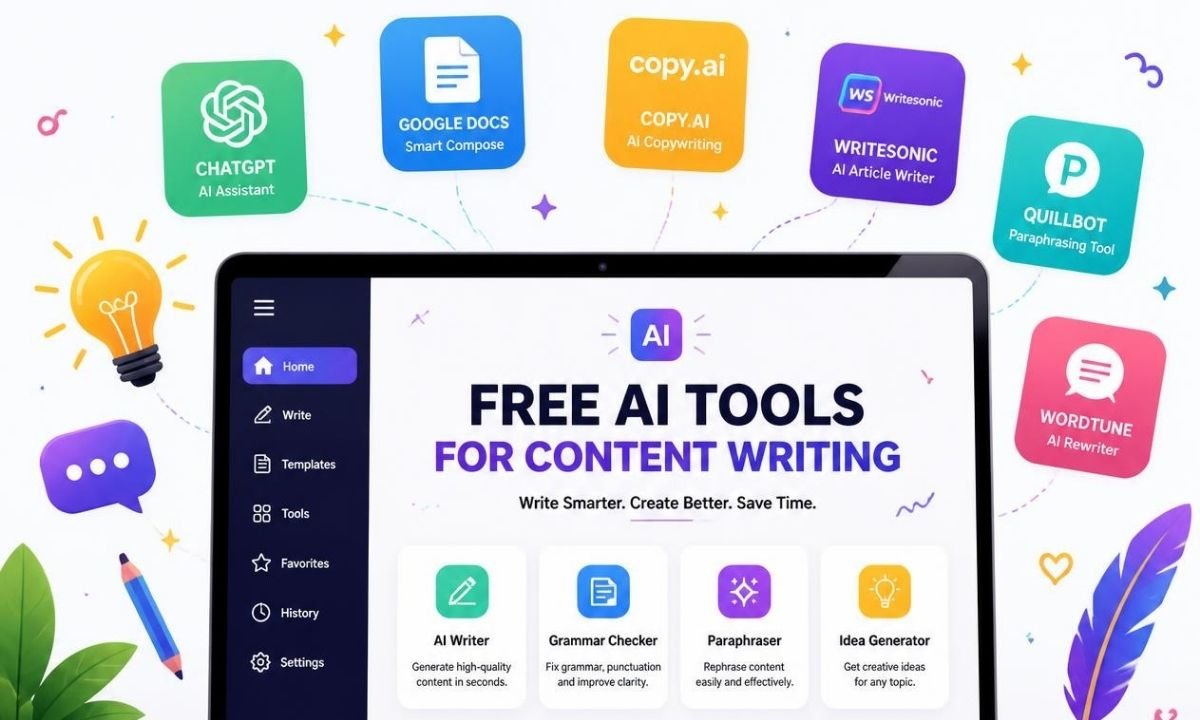
Free AI tools for content writing are online tools that help you write faster, clearer, and better without paying money at the start. These tools can help with blog posts, social media captions, emails, product descriptions, YouTube scripts, outlines, headlines, and simple SEO content. In 2026, many beginners use these tools because content creation is now faster than before. You do not need to be an expert writer to begin. You can type a simple prompt, explain your topic, and get ideas in seconds. The best part is that many tools offer free plans or free features. This makes them useful for bloggers, students, small business owners, freelancers, and new website owners.
Why Beginners Should Use AI Writing Tools in 2026
Content writing can feel hard when you are new. You may not know how to start an article. You may also feel stuck when writing titles, introductions, or FAQs. This is where free ai tools for content writing can help. They give you a first draft, fresh topic ideas, and better sentence flow. They can also fix spelling and grammar mistakes. In 2026, AI writing tools are not only for writing full articles. They are also used for planning content, checking tone, improving readability, and creating SEO-friendly headings. Google says AI content is not against its rules when it is helpful, accurate, and made for people instead of only search rankings.
ChatGPT: Best Free Tool for Ideas and Drafts
ChatGPT is one of the most popular free ai tools for content writing because it can help with many writing tasks in one place. Beginners can use it to create outlines, write introductions, improve old text, make meta descriptions, and generate blog title ideas. OpenAI says the free version of ChatGPT is available to everyone, while paid plans offer more features and higher access. For a beginner, the free plan is enough to learn how prompts work. You can ask it to write in simple English, make a paragraph shorter, or create a blog post structure. The best way to use ChatGPT is not to copy everything. Use it as a helper. Add your own examples, facts, and real experience.
Gemini: Good for Research and Simple Writing Help
Gemini is another useful AI tool for beginners who want help with writing and research. It can help explain topics, create outlines, summarize ideas, and rewrite content in a clearer way. Google’s Gemini update page shows that Gemini apps keep adding new features for writing, research, and creative work, including Canvas and other AI features with limited access for free users. This makes it helpful for people who want quick topic understanding before writing. For example, a beginner can ask Gemini to explain a topic in simple words, then turn that explanation into a blog outline. It works best when you give a clear prompt and check the facts before publishing.
Grammarly: Best Free Tool for Grammar and Clean Writing
Grammarly is a strong choice for beginners who want cleaner writing. It helps with grammar, spelling, punctuation, tone, and sentence clarity. Grammarly also offers free AI writing tools and says users can sign up for free. This is helpful because many beginners make small writing mistakes that can hurt trust. A blog post should be easy to read. A small grammar mistake may not seem big, but many mistakes can make readers leave the page. Grammarly can help you polish a draft after using other free ai tools for content writing. It is very useful for emails, blog paragraphs, captions, and short website copy.
QuillBot: Best Free Tool for Rewriting and Paraphrasing
QuillBot is useful when you already have text but want to improve it. It offers tools like paraphrasing, grammar checking, summarizing, and rewriting. QuillBot says its free grammar checker can fix grammar, spelling, and punctuation, while its paraphrasing tool helps rewrite text and improve clarity. This makes it a good tool for beginners who write rough drafts first. You can paste your text and ask the tool to make it smoother. But do not use it to copy someone else’s work. Use it to improve your own writing. The safest way is to write your thoughts first, then use QuillBot to make the text clearer.
Canva Magic Write: Best for Social Media and Visual Content

Canva Magic Write is helpful for people who create content with images, posters, and social media designs. Canva describes Magic Write as an AI writing assistant that can help create written content quickly. This tool is useful for captions, short ads, Instagram posts, YouTube descriptions, and simple website lines. Beginners like it because it works inside Canva, where they may already design graphics. If you run a small blog or business page, you can write a caption and design the post in the same place. It may not be the best choice for long SEO articles, but it is very useful for short content.
Rytr: Good for Short Copy and Blog Sections
Rytr is another beginner-friendly writing tool. It is useful for short content like product descriptions, emails, blog sections, ads, and captions. Rytr states that its free plan is free forever, requires no credit card, and includes 10,000 characters per month with access to many use cases and tones. This is useful for beginners who need small pieces of content instead of full long articles every day. You can use it to create a paragraph, improve a headline, or write a short email. It is also helpful when you want to test AI writing without spending money.
Good for Marketing and Business Content
Copy.ai is useful for users who want marketing copy, emails, ads, and business content. Its free plan includes AI writing tools, workflow templates, and tools for different content formats like emails, social posts, blog drafts, and ad copy. This makes it a good option for freelancers, marketers, and small business owners. A beginner can use Copy.ai to create sales emails, website copy, and product lines. It may feel more business-focused than some other tools. So it is best for users who want content that sells or promotes something.
How to Choose the Best Free AI Tool
The best free ai tools for content writing depend on your writing goal. If you want full ideas and drafts, ChatGPT or Gemini can help. If you want grammar fixes, Grammarly is better. If you want rewriting, QuillBot is a strong choice. If you want social media copy, Canva Magic Write is useful. If you want short marketing content, Rytr and Copy.ai are good options. The smart way is to use more than one tool. For example, you can use ChatGPT for an outline, Grammarly for editing, and QuillBot for rewriting weak sentences. This workflow gives better results than using only one tool.
Best Way to Use AI Tools Without Losing Quality
AI tools can save time, but they should not replace your thinking. A good blog post still needs real value. Add your own examples, simple tips, screenshots, product experience, and honest advice. Google’s people-first content guidance says content should help readers and give them a satisfying experience. It also warns against making content mainly to attract search traffic without adding value. This is very important in 2026 because many websites now publish AI content. To stand out, your article must feel useful, clear, and original. Use AI for support, not for lazy copy-paste content.
Simple Prompt Tips for Better Results
A prompt is the instruction you give to an AI tool. Better prompts create better results. Do not write only “write article.” Instead, explain the topic, audience, tone, word count, and format. For example, you can say, “Write a simple blog outline about free ai tools for content writing for beginners in grade 5 English.” You can also ask the tool to make the article more human, add examples, or improve readability. After that, read the result carefully. Fix wrong facts. Remove repeated lines. Add your own voice. This step makes the article more natural and more helpful.
Common Mistakes Beginners Should Avoid
Many beginners make the mistake of publishing AI text without checking it. This can lead to wrong facts, boring paragraphs, and repeated ideas. Some also stuff the same keyword too many times. That makes the article hard to read. Use the keyword free ai tools for content writing naturally, not in every sentence. Another mistake is using AI to write about topics you do not understand. This can create weak content. A better method is to research first, make a clear outline, then use AI to support the writing. Always edit the final draft before posting it on your website.
Final Thoughts
Free ai tools for content writing are very helpful for beginners in 2026. They can help you plan, write, edit, rewrite, and publish content faster. Tools like ChatGPT, Gemini, Grammarly, QuillBot, Canva Magic Write, Rytr, and Copy.ai all have different strengths. But the best results come when you use AI with human editing. Do not publish plain AI text without checking it. Add your own experience, simple examples, and useful details. When your content is clear, honest, and helpful, readers will trust it more. AI can be your writing assistant, but your ideas should guide the final article.
FAQs
1. What are free AI tools for content writing?
Free AI tools for content writing are tools that help users create or improve written content without paying at the beginning. They can write drafts, fix grammar, suggest headlines, rewrite sentences, and create outlines. They are useful for blog posts, social media captions, product descriptions, emails, and website copy. Beginners use them because they make writing faster and easier.
2. Are free AI writing tools good for SEO?
Yes, free AI writing tools can help with SEO when used the right way. They can suggest titles, headings, meta descriptions, and content ideas. But AI alone does not guarantee ranking. Your content must answer the reader’s question, use simple language, include useful details, and follow Google’s people-first content guidance. Human editing is still very important.
3. Can I use AI-written content on my blog?
Yes, you can use AI-written content on your blog, but you should edit it before publishing. Google allows helpful AI-assisted content when it is not made mainly to manipulate search rankings. Your article should be accurate, original, and useful for readers. Add your own knowledge, examples, and personal touch to make it better.
4. Which free AI tool is best for beginners?
ChatGPT is a strong choice for beginners because it can help with many writing tasks. Grammarly is best for grammar and clean writing. QuillBot is best for rewriting. Canva Magic Write is good for social media content. Rytr and Copy.ai are useful for short copy and marketing content. The best tool depends on your goal.
5. Do free AI tools have limits?
Yes, most free AI tools have limits. Some limit messages, words, characters, features, or daily usage. For example, some tools offer free access but reset limits after a period of time. Others give a monthly character or word limit. Beginners can still get good value from free plans, but heavy users may need a paid plan later.
6. How can I make AI content sound more human?
To make AI content sound more human, use short sentences, real examples, and clear words. Remove repeated lines. Add your own opinion and experience. Read the article out loud before posting. If it sounds too robotic, rewrite it in a warmer tone. A human article should feel helpful, natural, and easy to understand.


Top Benefits of Choosing a Velo Electrique Puissant for Urban Commuting

Michelle Gumbel: What to Know About Greg Gumbel’s Daughter

Theodora Holmes Husband: How She Built a Private Life With Troy Polamalu

Jean Taynton Age: What We Know About John Lithgow’s First Wife

Summer Odalis Beckham Age: Meet Odell Beckham Jr.’s Youngest Sister

David Hefner Age: How Old Is Hugh Hefner’s Son Today?

Meet Samantha Rotunda: The Woman Once Married to Bray Wyatt

Who Was Amy Arnaz? Life Story of Desi Arnaz Jr.’s Wife

Kirsten Barlow Age: How Old Is Joe Lando’s Wife Today?

Alma Gonzales Today: What Happened After Richard Thomas?
Top Benefits of Choosing a Velo Electrique Puissant for Urban Commuting
Michelle Gumbel: What to Know About Greg Gumbel’s Daughter
Theodora Holmes Husband: How She Built a Private Life With Troy Polamalu
Jean Taynton Age: What We Know About John Lithgow’s First Wife
Summer Odalis Beckham Age: Meet Odell Beckham Jr.’s Youngest Sister
David Hefner Age: How Old Is Hugh Hefner’s Son Today?
Meet Samantha Rotunda: The Woman Once Married to Bray Wyatt
Who Was Amy Arnaz? Life Story of Desi Arnaz Jr.’s Wife
Kirsten Barlow Age: How Old Is Joe Lando’s Wife Today?
Alma Gonzales Today: What Happened After Richard Thomas?
-

 Celebrity3 months ago
Leonardo DiCaprio Daughter: The Real Story in 2026
-

 Entertainment3 months ago
What Is Latest Entertainment News 2026? Big Updates in Movies, Music, and TV
-

 Technology3 months ago
Best Budget Gadgets for Students in 2026: Smart Tools That Save Money
-

 Celebrity3 months ago
Celebrity Wife Biography: Why Fans Search for Famous Family Stories