
Blog
Complete Data Backup Popular Ideas Checklist: Simple Guide for 2026

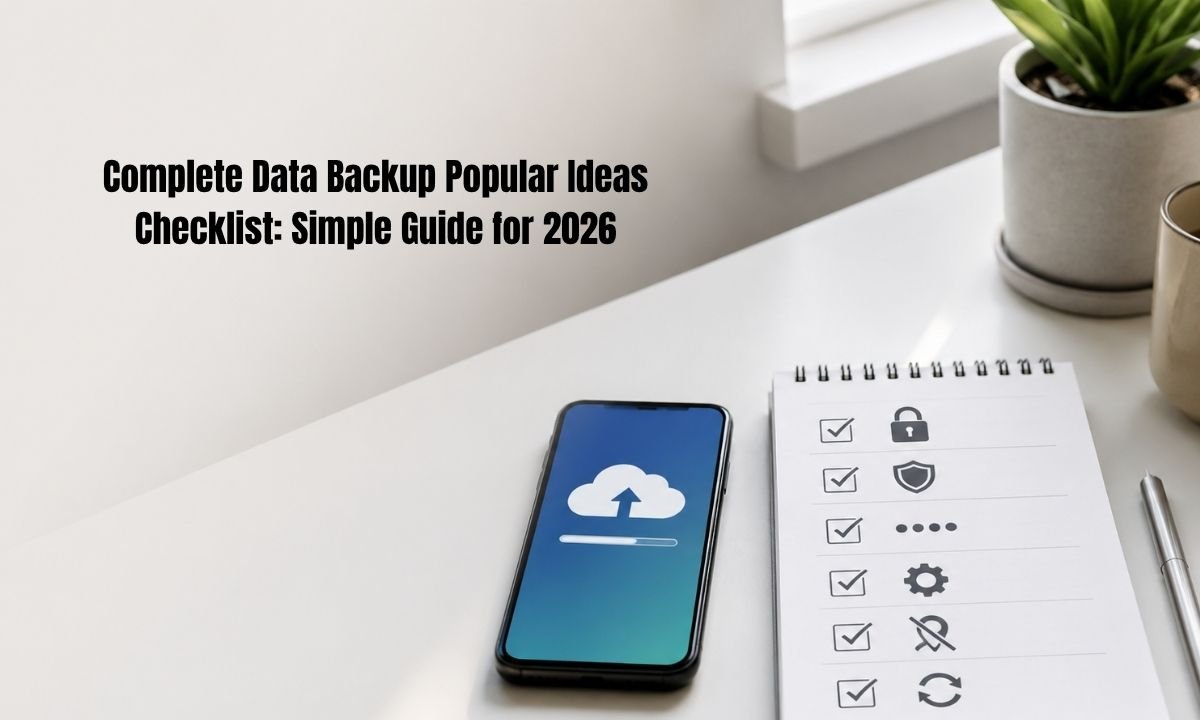
Data loss can happen in one small moment. A phone can fall. A laptop can stop working. A cloud account can get locked. A virus can damage files. This is why a complete data backup popular ideas checklist is no longer only for tech people. It is for students, workers, families, bloggers, small shops, and anyone who keeps photos, notes, videos, passwords, school files, or business records on a device. In 2026, our data lives in many places at once. Some files are on phones. Some are on laptops. Some are inside apps. Some are saved in cloud storage. A good backup plan connects all these places and makes them safer.
What Is a Complete Data Backup?
A complete data backup means making safe copies of your important files, settings, and app data. It should not only copy photos. It should also protect documents, contacts, messages, passwords, browser bookmarks, school work, work files, tax files, and website data. A complete data backup popular ideas checklist helps you know what to save, where to save it, and how often to check it. Many people think cloud sync is the same as backup. It is not always the same. Sync copies changes across devices. If you delete a file by mistake, the deleted file may also disappear from the cloud. A true backup gives you a way to restore an older safe copy.
Start With Your Most Important Data
The first step in a complete data backup popular ideas checklist is to list what matters most. Start with things you cannot replace. These may be family photos, ID scans, business files, study notes, client work, passwords, and phone contacts. Then add files that would take many hours to rebuild. This may include website posts, design files, videos, spreadsheets, and email records. Do not try to back up everything on day one. Start with your most valuable data first. When the important files are safe, you can add the rest later.
Use the 3-2-1 Backup Rule
A smart complete data backup popular ideas checklist should follow the 3-2-1 rule. This means you keep three copies of important data, on two types of storage, with one copy away from your home or office. For example, keep the original file on your laptop, one copy on an external drive, and one copy in cloud storage. In 2026, many experts also talk about 3-2-1-1-0. This adds one offline or immutable copy and zero restore errors after testing. That means your backup should not only exist. It should also work when you need it.
Keep One Offline Backup
One popular idea in any complete data backup popular ideas checklist is the offline backup. An offline backup is not always connected to your computer or phone. This can be an external hard drive, USB SSD, or network drive that is disconnected after the backup is done. Offline backup is important because some ransomware attacks try to find connected backups and damage them too. CISA advises keeping offline, encrypted backups and testing them often because ransomware may try to delete or encrypt backups that are easy to reach. A backup that is always connected can be at risk. A disconnected copy gives you a safer last chance.
Use Cloud Backup, But Use It Wisely
Cloud backup is easy and useful. It can save phone photos, files, app data, and device settings without needing a cable. This is why cloud storage belongs in a complete data backup popular ideas checklist. Android users can back up device data and settings through Google backup settings. Windows users can use Windows Backup and OneDrive to save files, apps, preferences, and some settings. iPhone users can use iCloud Backup, and Apple says iCloud backups are encrypted. Cloud backup is helpful when you lose a device or buy a new one. But it still needs good account security. Use a strong password, passkeys if available, and two-step sign-in.
Add Phone Backup to the Plan
Phones now hold a large part of daily life. So a complete data backup popular ideas checklist must include mobile data. Back up your photos, contacts, notes, messages, app data, and authenticator recovery options. Check that your backup account is the right one. Many people use one account for school, one for work, and one for personal use. This can cause confusion when restoring data. Also check that your phone backup runs on Wi-Fi and when the battery is charged. For Android, Google support explains that users can manually back up data and settings from the backup menu. For iPhone, Apple supports iCloud and encrypted computer backups.
Protect Passwords and Passkeys
A full complete data backup popular ideas checklist must include sign-in access. Your files are not useful if you cannot enter the accounts that hold them. In 2026, more people use passkeys along with passwords. Google says Google Password Manager can save passwords and passkeys to a Google Account for use across signed-in devices. This is helpful, but you should still keep recovery methods safe. Save backup codes in a secure place. Add a recovery email and phone number. Use a password manager with export or emergency access options when possible.
Encrypt Sensitive Backups
Encryption changes your backup into protected data that cannot be read without the right key or password. A complete data backup popular ideas checklist should tell you which backups must be encrypted. This includes ID cards, bank files, health records, tax papers, private photos, client work, and saved passwords. Apple says encrypted local backups can include saved passwords, Wi-Fi settings, website history, health data, and call history, while unencrypted local backups do not include all of these items. Apple also says Advanced Data Protection makes iCloud Backup end-to-end encrypted, but users must keep recovery methods because Apple cannot recover that data for them.
Make a Simple Backup Schedule
Backups fail when people forget them. That is why a complete data backup popular ideas checklist needs a schedule. Use daily cloud backup for phone photos, notes, and small files. Use weekly external drive backup for laptop files. Use monthly full backup for large folders, videos, website files, and business records. Put a reminder on your calendar. Name each backup by date, such as “Family Photos Backup July 2026.” Do not keep only one latest copy. Keep a few older versions too. Version history helps when a file was damaged days before you noticed it.
Test Restore Before You Trust It
Many people make backups but never test them. This is a mistake. A complete data backup popular ideas checklist should always include restore testing. Testing means you try to bring back one file, one folder, or one device setting from your backup. If the file opens correctly, the backup is useful. If it does not open, you can fix the problem before an emergency. Test your cloud backup by restoring a file to another folder. Test your external drive by opening old files. Test your website backup by checking the database and media files. A backup is not complete until you know it can restore.
Use Different Backup Ideas for Different People
A complete data backup popular ideas checklist is not the same for everyone. A student may need class notes, PDFs, projects, and phone photos. A blogger may need website posts, images, themes, plugins, login details, and email lists. A family may need photos, videos, ID copies, and shared documents. A small business may need invoices, customer records, stock sheets, contracts, and tax files. A creator may need raw videos, edited files, thumbnails, music licenses, and project files. The best plan is the one that matches your real life.
Final Thoughts
The best complete data backup popular ideas checklist is simple enough to follow every month. It should cover cloud backup, offline backup, encrypted backup, password recovery, phone backup, computer backup, and restore testing. Start small if you feel busy. Back up your most important files today. Then add one more layer this week. In 2026, data is part of memory, work, money, learning, and family life. Losing it can hurt. Protecting it does not need to be hard. Use this complete data backup popular ideas checklist as your base plan. Keep it updated. Test it often. A calm backup plan today can save you from panic tomorrow.
FAQs
1. What is the best complete data backup popular ideas checklist for beginners?
The best complete data backup popular ideas checklist for beginners starts with three things. First, back up phone photos and contacts to cloud storage. Second, copy important laptop or desktop files to an external drive. Third, keep one extra copy away from your main device. Beginners should start with files they would be sad or stressed to lose.
2. How often should I follow a complete data backup popular ideas checklist?
You should follow a complete data backup popular ideas checklist based on how often your files change. If you take photos, write notes, or work daily, use daily cloud backup. If you use a laptop for school, work, or blogging, do a weekly backup to an external drive. Large videos, websites, and business files may need a monthly full backup.
3. Is cloud storage enough for a complete data backup popular ideas checklist?
Cloud storage is helpful, but it should not be your only plan. A complete data backup popular ideas checklist should include cloud storage and another backup type. Cloud accounts can be locked, files can be deleted by mistake, and sync problems can happen. An offline copy gives extra safety from online attacks.
4. What files should I include in a complete data backup popular ideas checklist?
A complete data backup popular ideas checklist should include photos, videos, documents, school files, business files, contacts, notes, passwords, recovery codes, website files, email exports, and important app data. Also include ID scans, tax files, invoices, and contracts if you have them.
5. What is the safest storage for a complete data backup popular ideas checklist?
The safest storage is not one single place. A complete data backup popular ideas checklist works best with more than one storage type. Use your main device, cloud storage, and an offline external drive. For very private files, use encryption. For very important files, keep a copy in a second location.
6. Why should I test my complete data backup popular ideas checklist?
You should test your complete data backup popular ideas checklist because a backup is only useful if it can restore your data. Sometimes a file copy is broken. Sometimes a cloud backup missed a folder. Sometimes a password is lost. A small restore test can find these problems early.

Top Benefits of Choosing a Velo Electrique Puissant for Urban Commuting

Michelle Gumbel: What to Know About Greg Gumbel’s Daughter

Theodora Holmes Husband: How She Built a Private Life With Troy Polamalu

Jean Taynton Age: What We Know About John Lithgow’s First Wife

Summer Odalis Beckham Age: Meet Odell Beckham Jr.’s Youngest Sister

David Hefner Age: How Old Is Hugh Hefner’s Son Today?

Meet Samantha Rotunda: The Woman Once Married to Bray Wyatt

Who Was Amy Arnaz? Life Story of Desi Arnaz Jr.’s Wife

Kirsten Barlow Age: How Old Is Joe Lando’s Wife Today?

Alma Gonzales Today: What Happened After Richard Thomas?
Top Benefits of Choosing a Velo Electrique Puissant for Urban Commuting
Michelle Gumbel: What to Know About Greg Gumbel’s Daughter
Theodora Holmes Husband: How She Built a Private Life With Troy Polamalu
Jean Taynton Age: What We Know About John Lithgow’s First Wife
Summer Odalis Beckham Age: Meet Odell Beckham Jr.’s Youngest Sister
David Hefner Age: How Old Is Hugh Hefner’s Son Today?
Meet Samantha Rotunda: The Woman Once Married to Bray Wyatt
Who Was Amy Arnaz? Life Story of Desi Arnaz Jr.’s Wife
Kirsten Barlow Age: How Old Is Joe Lando’s Wife Today?
Alma Gonzales Today: What Happened After Richard Thomas?
-

 Celebrity3 months ago
Leonardo DiCaprio Daughter: The Real Story in 2026
-

 Entertainment3 months ago
What Is Latest Entertainment News 2026? Big Updates in Movies, Music, and TV
-

 Technology3 months ago
Best Budget Gadgets for Students in 2026: Smart Tools That Save Money
-

 Tech3 months ago
Android Tips 2026: Simple Guide for 2026