
Blog
Best Computer Repair Store Tips: Get Your Laptop and PC Fixed Quickly

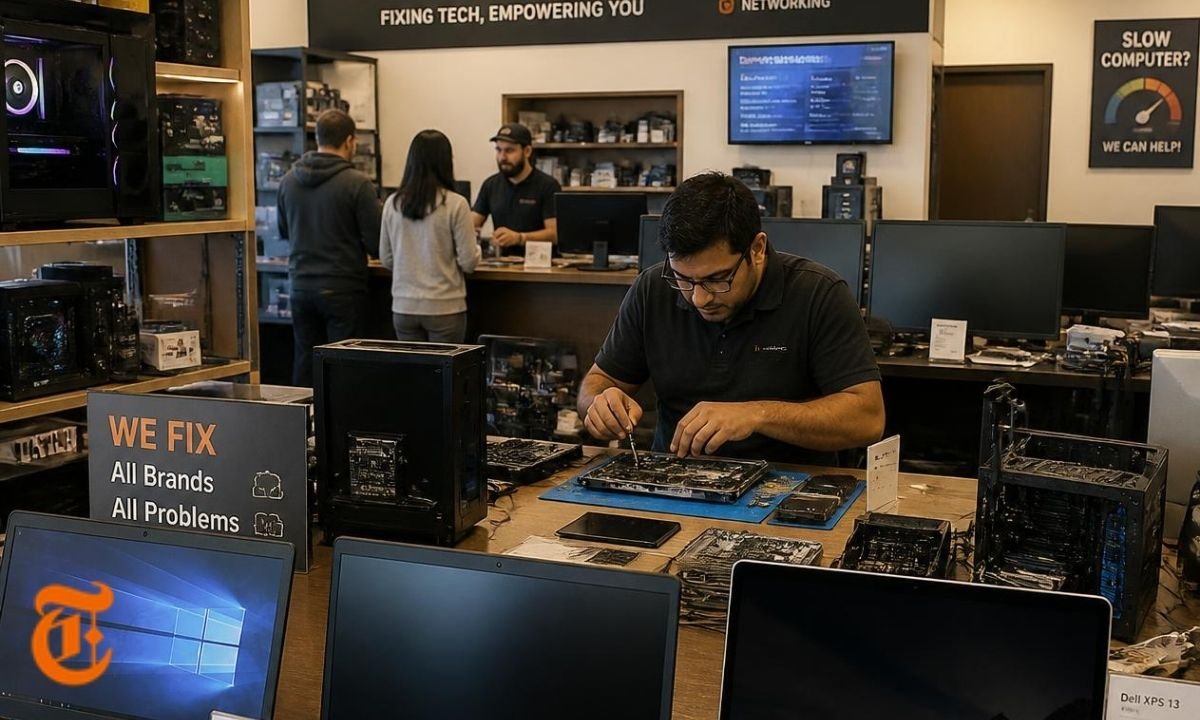
A slow, broken, or infected computer can stop your whole day. It can affect school work, office tasks, online business, gaming, or family use. That is why choosing the right computer repair store matters more than many people think. A good repair shop does not just fix the device. It also protects your files, checks the real cause, and helps you avoid the same problem again. In 2026, computer repair is not only about changing parts. It also includes data safety, Windows support checks, SSD health, battery care, malware cleaning, and upgrade advice.
Why a Computer Repair Store Still Matters in 2026
Many people try to fix computer problems at home first. That is fine for small issues. But some problems need proper tools and trained hands. A trusted computer repair store can test your laptop or desktop with better diagnostic tools. It can check hardware, software, power, heat, screen, keyboard, storage, and motherboard problems. This saves time because guessing can make the issue worse. For example, a laptop that shuts down may not only have a bad battery. It may also have a heating problem, a weak charger, or a damaged power circuit.
New Repair Needs After Windows 10 Support Ended
One important 2026 repair topic is Windows support. Microsoft says Windows 10 support ended on October 14, 2025. This means many older PCs now need upgrade advice, security planning, or replacement guidance. A computer repair store can check whether your computer can move safely to Windows 11 or whether it needs a different plan. Microsoft also lists TPM 2.0 as one of the Windows 11 requirements, so some older computers may not qualify without hardware limits.
Check the Problem Before You Visit
Before going to a computer repair store, write down what happened. Note when the issue started. Also note any error message, strange sound, slow startup, heating, charging issue, or blue screen. This helps the technician find the real fault faster. Do not only say, “My computer is not working.” Give clear details. For example, say, “The laptop turns on, but the screen stays black,” or “The PC becomes slow after opening Chrome.” Clear information can reduce repair time and may also reduce cost.
Back Up Your Files First
Before handing over your device to a computer repair store, back up important files if the computer still works. Save photos, videos, documents, passwords, business files, and school work on an external drive or trusted cloud storage. If the computer does not turn on, ask the shop about data recovery before they reinstall Windows or replace the drive. A good technician will ask before deleting files. You should also ask them to confirm whether your data is safe before any repair begins.
Ask for a Clear Diagnosis
A reliable computer repair store should explain the problem in simple words. It should tell you what is broken, why it may have happened, and what repair options you have. Do not accept vague answers like “your system is bad” or “everything needs replacing.” Ask for a clear diagnosis. For example, the issue may be a failing SSD, corrupt Windows files, bad RAM, damaged screen cable, or clogged cooling fan. Once you understand the cause, you can decide if the repair is worth the price.
Compare Repair Cost With Device Value
Not every computer is worth repairing. A good computer repair store should be honest about this. If your laptop is very old and needs an expensive motherboard, screen, battery, and storage repair, buying a newer device may be smarter. But if your computer only needs more RAM, a new SSD, a fan cleaning, or a battery change, repair may give it a second life. In 2026, SSD upgrades are still one of the best ways to make an old PC feel faster. Many slow laptops do not need full replacement. They only need better storage, clean software, and proper maintenance.
Choose a Store That Protects Your Privacy
Privacy is very important when choosing a computer repair store. Your computer may contain personal photos, bank files, business records, saved passwords, and private messages. Ask the shop how they protect customer data. Ask whether they need your password. Sometimes they may need access to test the repair, but you can create a temporary user account instead of sharing your main password. You can also sign out from private accounts before the visit. A professional computer repair store will respect privacy and explain what access is needed.
Look for Real Repair Experience
A good computer repair store should have experience with many brands and models. This includes HP, Dell, Lenovo, Acer, Asus, Apple MacBook, gaming PCs, and custom desktops. Laptop repair can be harder than desktop repair because parts are smaller and packed tightly. MacBook repair can also need special tools. Gaming PC repair may need testing for graphics cards, power supply, airflow, and drivers. Ask if the shop has fixed your type of device before. Experience matters because the same symptom can have different causes on different machines.
Do Not Ignore Heat and Dust
Heat is one of the most common reasons computers slow down or shut off. A computer repair store can clean dust from fans, vents, and heat sinks. It can also replace old thermal paste when needed. This helps the processor stay cooler. When a computer overheats, it may reduce speed to protect itself. That makes the system feel slow even if the parts are still good. If your laptop fan is loud, the bottom feels very hot, or the PC shuts down during gaming, video editing, or online meetings, heat may be the real issue.
Watch for Malware and Fake Repair Advice
Some computer problems come from malware, unsafe downloads, fake pop-ups, or scam support messages. A trusted computer repair store can remove harmful programs and check browser settings. It can also update security tools and explain safer habits. Be careful with online messages that say your computer is infected and ask you to call a number. Many of these are scams. Do not give remote access to unknown people. If you are unsure, shut down the browser and visit a local computer repair store you trust.
Ask About Warranty and Parts Quality
Before approving a repair, ask the computer repair store about parts quality. Are they using original parts, high-quality replacement parts, or used parts? Each option has a different price and life span. Also ask about repair warranty. A good shop should offer some warranty on the replaced part or service. For example, a battery, screen, charger port, SSD, or keyboard replacement should come with clear terms. Warranty shows that the shop stands behind its work. It also gives you peace of mind after the repair.
Common Services You Can Expect
A full-service computer repair store usually handles laptop repair, desktop repair, virus removal, data backup, operating system installation, password help, screen replacement, keyboard replacement, battery replacement, SSD upgrade, RAM upgrade, fan cleaning, motherboard checks, Wi-Fi issues, printer setup, and business computer support. Some shops also help with home office setups, file transfer, cloud backup, and security settings. In 2026, many customers also ask for Windows 11 upgrade checks because not every old computer meets the needed hardware rules.
How to Save Time at the Repair Store
You can make the repair process faster by preparing your device. Bring the charger with your laptop. If the problem happens with a printer, mouse, keyboard, or external drive, bring that item too. Tell the computer repair store if the device was dropped, exposed to water, or repaired before. Some people hide this information because they feel embarrassed. But technicians need the truth to find the issue. Water damage, fall damage, and past repairs can change the diagnosis.
Signs of a Bad Repair Store
Not every computer repair store is safe. Be careful if a shop gives a price without checking the device. Be careful if it refuses to explain the problem. Also avoid shops that push expensive repairs too quickly. Another warning sign is no receipt, no warranty, and no clear contact details. A professional shop should give you a repair ticket, estimated cost, expected time, and service terms. It should also ask before doing extra paid work. Good communication is part of good repair.
When Fast Repair Is Worth Paying For
Sometimes you need urgent help. Maybe your office laptop fails before a meeting. Maybe your student assignment is due. Maybe your business PC has important files. In these cases, a computer repair store with same-day service can be worth it. Fast repair may cost more, but it can save work, stress, and lost income. Still, fast does not mean careless. Ask the shop what can be fixed quickly and what needs more testing. Good shops will not promise instant repair for serious motherboard or data recovery issues.
Final Thoughts
A good computer repair store can save your laptop or PC from bigger damage. It can also protect your data and help you make a smart choice between repair, upgrade, or replacement. In 2026, computer repair is more important because many users are dealing with Windows 10 support changes, Windows 11 upgrade checks, aging batteries, full SSDs, malware risks, and overheating laptops. The best repair shop is clear, honest, skilled, and careful with your privacy. Before you hand over your device, ask questions, back up your files, and choose a computer repair store that treats your computer like something valuable.
FAQs
What does a computer repair store do?
A computer repair store fixes problems in laptops, desktops, and sometimes other devices like printers or external drives. It can repair hardware issues such as broken screens, weak batteries, bad keyboards, faulty charging ports, damaged fans, and failing storage drives. It can also solve software issues like slow Windows, virus infections, driver errors, login problems, and system crashes. A good store first checks the cause and then explains the repair options. This helps you avoid paying for parts you do not need.
How do I choose the best computer repair store?
Choose a computer repair store that gives a clear diagnosis, honest pricing, and a written receipt. The shop should explain the issue in simple words. It should also tell you if the repair is worth doing or if replacement is a better option. Look for experience with your computer brand. Ask about warranty on parts and labor. Also check how the store handles customer privacy. A good repair shop should not pressure you. It should give you enough information to make a safe decision.
Should I repair or replace my old computer?
You should compare repair cost with the value of the device. If your computer only needs an SSD, more RAM, a battery, or cleaning, repair may be a smart choice. These upgrades can make an old laptop much faster. But if the motherboard, screen, battery, and storage all need replacement, buying a newer computer may be better. A trusted computer repair store can test the device and help you decide. The best choice depends on age, repair cost, performance needs, and software support.
Is my data safe at a computer repair store?
Your data can be safe if you choose a professional computer repair store and take simple steps. Back up your files before repair when possible. Sign out of private accounts. Remove saved passwords if you can. Ask the shop how it protects customer data. You can also create a temporary user account for testing. A good technician should only access what is needed to complete the repair. If a shop is careless about privacy, choose another one.
How long does computer repair take?
Small repairs can take a few hours or one day. These may include software cleanup, RAM upgrade, SSD installation, fan cleaning, or simple virus removal. More serious repairs can take longer, especially if the store must order parts. Screen replacement, motherboard repair, liquid damage repair, and data recovery may need more time. A reliable computer repair store should give you an estimated timeline after checking the device. It should also update you if the repair takes longer than expected.
Can a repair store make my slow PC faster?
Yes, a computer repair store can often make a slow PC faster. The technician may remove malware, clean startup apps, update drivers, repair system files, upgrade RAM, install an SSD, or clean dust from the cooling system. Many slow computers are not truly dead. They are slowed by old hard drives, too many background programs, overheating, or poor maintenance. A proper diagnosis can show whether the device needs a small upgrade or deeper repair.
Is Windows 10 still safe to use in 2026?
Windows 10 reached end of support on October 14, 2025, according to Microsoft. That means regular support and updates changed after that date. Some users may still have special security options, but many home users should speak with a computer repair store about upgrade choices, security risks, and Windows 11 compatibility. If the computer cannot run Windows 11, the shop may suggest safer options such as hardware upgrade, replacement, or another supported system plan.

Top Benefits of Choosing a Velo Electrique Puissant for Urban Commuting

Michelle Gumbel: What to Know About Greg Gumbel’s Daughter

Theodora Holmes Husband: How She Built a Private Life With Troy Polamalu

Jean Taynton Age: What We Know About John Lithgow’s First Wife

Summer Odalis Beckham Age: Meet Odell Beckham Jr.’s Youngest Sister

David Hefner Age: How Old Is Hugh Hefner’s Son Today?

Meet Samantha Rotunda: The Woman Once Married to Bray Wyatt

Who Was Amy Arnaz? Life Story of Desi Arnaz Jr.’s Wife

Kirsten Barlow Age: How Old Is Joe Lando’s Wife Today?

Alma Gonzales Today: What Happened After Richard Thomas?
Top Benefits of Choosing a Velo Electrique Puissant for Urban Commuting
Michelle Gumbel: What to Know About Greg Gumbel’s Daughter
Theodora Holmes Husband: How She Built a Private Life With Troy Polamalu
Jean Taynton Age: What We Know About John Lithgow’s First Wife
Summer Odalis Beckham Age: Meet Odell Beckham Jr.’s Youngest Sister
David Hefner Age: How Old Is Hugh Hefner’s Son Today?
Meet Samantha Rotunda: The Woman Once Married to Bray Wyatt
Who Was Amy Arnaz? Life Story of Desi Arnaz Jr.’s Wife
Kirsten Barlow Age: How Old Is Joe Lando’s Wife Today?
Alma Gonzales Today: What Happened After Richard Thomas?
-

 Celebrity3 months ago
Leonardo DiCaprio Daughter: The Real Story in 2026
-

 Entertainment3 months ago
What Is Latest Entertainment News 2026? Big Updates in Movies, Music, and TV
-

 Technology3 months ago
Best Budget Gadgets for Students in 2026: Smart Tools That Save Money
-

 Celebrity3 months ago
Celebrity Wife Biography: Why Fans Search for Famous Family Stories