Blog
Cloud Storage For Small Business: Simple Guide for 2026

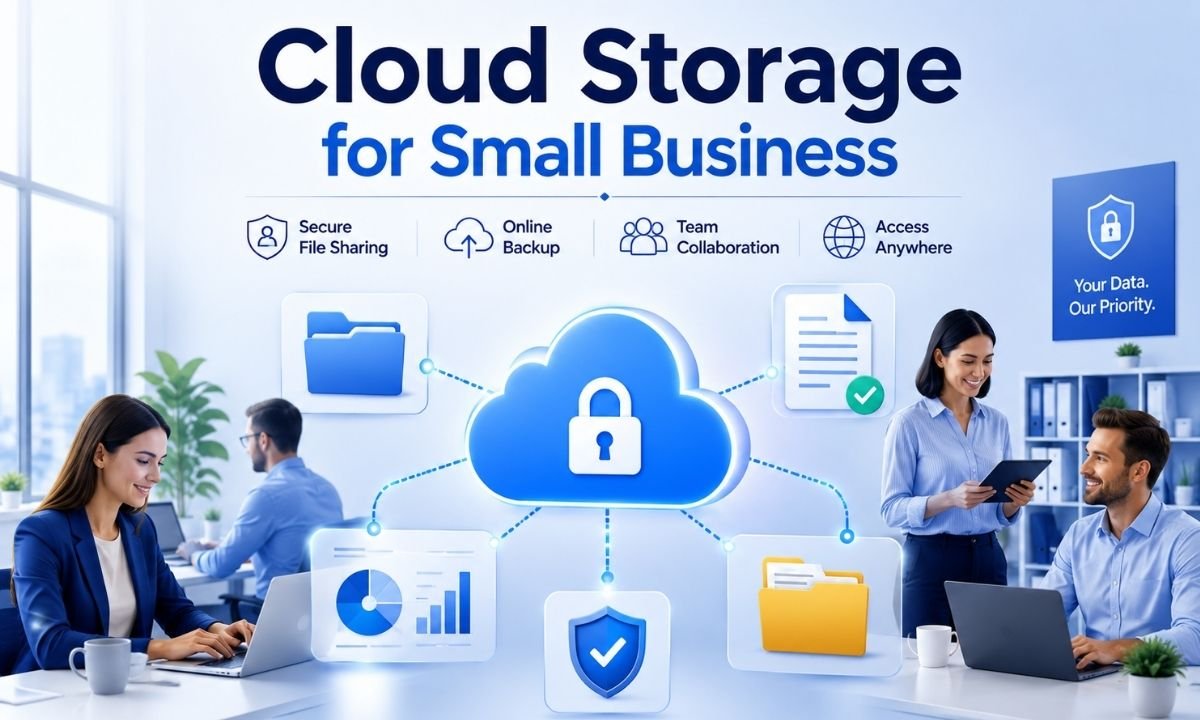
Cloud storage for small business is now more than a place to keep files online. In 2026, it is a smart tool for saving time, protecting data, and helping small teams work from anywhere. Many small business owners still keep important files on one laptop, one office computer, or one hard drive. That can be risky.
A broken laptop, a stolen phone, a flood, or a ransomware attack can stop work fast. Cloud storage helps by keeping copies of files in secure online systems. It also lets workers open files from a phone, tablet, laptop, or office desktop. This simple guide explains what cloud storage means, why it matters in 2026, and how a small business can choose the right service without feeling confused.
What Is Cloud Storage For Small Business?
Cloud storage for small business means using an online service to save, organize, share, and protect business files. These files can include invoices, product photos, tax records, customer forms, staff documents, videos, contracts, and reports. Instead of storing everything only on one device, the files are saved on remote servers managed by a cloud provider. The business can then reach those files through the internet. This is useful for shops, agencies, freelancers, clinics, schools, restaurants, and online stores. The main idea is simple. Your files stay in one safe online space, and your team can use them when needed.
Why Cloud Storage Matters More In 2026
Cloud storage for small business matters more in 2026 because small companies use more digital data than before. Online sales, digital payments, remote work, AI tools, and customer records all create more files. Recent market research says the global cloud backup market was worth about USD 6.50 billion in 2025 and is expected to rise to USD 7.66 billion in 2026, showing that more people and companies are paying for cloud backup and storage tools. This growth is not only for big companies. Small businesses also need simple systems that can protect files and keep work moving.
Main Benefits For Small Teams
The biggest benefit of cloud storage for small business is easy access. A shop owner can open a supplier list from home. A designer can share a file with a client. A manager can check a report while traveling. Cloud storage also helps teams avoid messy email attachments. Instead of sending many versions of the same file, workers can open one shared file in one place. This makes teamwork cleaner. It also helps a business look more professional. When files are organized, named clearly, and shared safely, staff can work faster and make fewer mistakes.
Security Is The First Thing To Check
Security should be the first thing to check before choosing cloud storage for small business. A good service should offer strong passwords, two-factor authentication, file encryption, admin controls, and user permissions. This means the owner can decide who can view, edit, download, or share each file. In 2026, this is very important because cyber attacks are not only aimed at large companies. Small businesses can be easier targets because they often have fewer security tools. A secure cloud system can reduce risk, but it must be set up correctly. The best storage plan is not helpful if every worker uses weak passwords or shares links with anyone.
Backup And Recovery Are Not The Same As Storage
Many owners think cloud storage for small business and cloud backup are the same thing, but they are not always the same. Cloud storage helps you save and share active files. Cloud backup keeps extra copies so you can recover data after a loss. A strong plan uses both. NIST guidance says backup files should be conducted, maintained, and tested to reduce the damage from ransomware, hardware failure, and data loss events. This means a business should not only save files online. It should also test whether lost files can be restored. A backup that has never been tested is only a hope, not a real safety plan.
Ransomware Makes Recovery Very Important
Cloud storage for small business is also important because ransomware is still a serious threat in 2026. Ransomware can lock business files and demand money before giving access back. Some cloud tools offer version history, deleted file recovery, and ransomware alerts. These features can help a business return to an older clean copy of a file. Reports on cyber resilience show a large gap between confidence and real recovery. One 2026 report cited by ITPro said many security leaders felt confident, but only 28% of ransomware victims fully restored all affected data. This shows why small businesses need tested recovery, not just storage space.
File Sharing Should Be Simple And Controlled
Good cloud storage for small business makes file sharing easy, but it should also make sharing safe. A business should be able to send a client one file without opening the full folder. It should also be able to set link limits, passwords, expiry dates, and view-only access. This is helpful for accountants, real estate agents, marketers, consultants, and service teams. Safe sharing protects private files and saves time. It also stops staff from using personal email or random free apps for business documents. In 2026, simple control is one of the most useful features a small team can have.
How To Choose The Right Service
The right cloud storage for small business depends on the type of work you do. A design studio may need large file space. A law office may need stronger privacy controls. A store may need simple backup for sales records and photos. A remote team may need strong collaboration tools. Review guides in 2026 often compare business cloud storage by security, collaboration, storage capacity, integrations, and admin features. Small businesses should not choose only by the cheapest price. They should look at safety, ease of use, support, recovery options, and whether the tool works well with their daily apps.
Important Features To Look For
When picking cloud storage for small business, look for features that solve real problems. Version history is useful because it lets you restore an older file. User permissions are useful because not every worker needs access to every folder. Sync tools are useful because they keep files updated across devices. Admin logs are useful because owners can see who opened, changed, or shared a file. Mobile access is useful for teams that travel or work outside the office. In 2026, AI search is also becoming more helpful. It can help workers find old files faster, but private business data should still be handled with care.
Common Mistakes Small Businesses Make
A common mistake is buying cloud storage for small business without a folder plan. When files are dumped into random folders, the cloud becomes messy like an old hard drive. Another mistake is giving every worker full access. This can lead to accidental deletion or private data leaks. Some owners also forget to remove access when staff leave. That is risky. Another mistake is thinking that sync is the same as backup. If a file is deleted and the deletion syncs everywhere, the business may still lose it unless recovery is turned on. Good setup matters as much as the service itself.
Cost And Value In 2026
The cost of cloud storage for small business can vary a lot. Some plans charge by user. Some charge by storage size. Some add extra fees for backup, compliance, advanced security, or support. The cheapest plan may be fine for a one-person business, but a growing team may need stronger controls. Owners should compare the monthly price with the cost of losing data. Lost files can mean lost sales, angry clients, delayed work, and stress. Cloud storage is not just a tech bill. It is part of business protection. A smart plan should be affordable, but it should also be safe enough for real work.
Simple Setup Plan For A Small Business
A small business can set up cloud storage in a simple way. First, choose one main service for the whole team. Second, create clear folders for finance, customers, marketing, legal files, projects, and staff documents. Third, give each worker only the access they need. Fourth, turn on two-factor authentication. Fifth, set a clear file naming rule so files are easy to find. Sixth, turn on backup or connect a real cloud backup tool. Seventh, test file recovery every few months. This step is easy to skip, but it is very important. A simple system used every day is better than a complex system nobody follows.
Best Uses For Different Small Businesses
Cloud storage for small business can help many types of companies. A bakery can store menus, supplier bills, staff schedules, and social media photos. A small clinic can organize forms, policies, and training files, while keeping privacy rules in mind. A marketing agency can share campaign files with clients. An online store can save product photos, shipping records, and ad designs. A construction team can keep quotes, site photos, and contracts in one place. The tool is flexible because every business has files. The goal is to make those files safer, cleaner, and easier to use.
The Future Of Cloud Storage In 2026
In 2026, cloud storage for small business is moving toward smarter search, stronger recovery, better privacy, and easier teamwork. More tools now focus on ransomware protection, file versioning, data control, and hybrid backup. Some businesses will use cloud storage with AI tools to search documents, summarize files, and organize work faster. This can save time, but owners must still protect private data. The best future-ready setup is simple, secure, and easy for workers to follow. A small business does not need the most expensive system. It needs the right system, used the right way.
Final Thoughts
Cloud storage for small business is one of the most useful tools for 2026. It helps owners protect files, share work, support remote teams, and recover from problems faster. But the best results come from smart setup. Choose a service that fits your work. Turn on strong security. Use clear folders. Control who can open each file. Test your backups. When used the right way, cloud storage can make a small business safer, faster, and more ready for the future.
FAQs
What is the best cloud storage for small business in 2026?
The best cloud storage for small business in 2026 depends on your needs. A small team that uses Microsoft tools may like OneDrive. A team that uses Google tools may like Google Drive. A business that needs strong privacy may choose a service with stronger encryption and admin controls. The best choice is the one that fits your budget, keeps files safe, supports backup, and is easy for your team to use every day.
Is cloud storage safe for small business files?
Cloud storage can be safe for small business files when it is set up correctly. A good service should use encryption, secure login, two-factor authentication, and user permissions. The business owner should also train staff not to share open links or use weak passwords. Cloud storage is safer when only the right people can access the right files. It is not safe when every file is shared with everyone.
What is the difference between cloud storage and cloud backup?
Cloud storage is mainly used to save, sync, and share files. Cloud backup is used to keep extra copies of files so they can be restored after loss, damage, deletion, or ransomware. Some services offer both, but not all do. A small business should check this before buying a plan. For better safety, important files should be stored in the cloud and also backed up with a tested recovery plan.
How much cloud storage does a small business need?
A small business should choose storage based on file type and team size. Text files, spreadsheets, and invoices do not need much space. Photos, videos, design files, and large project folders need more space. A one-person business may need a small plan. A growing team may need a larger shared plan with admin controls. It is better to choose a plan that can grow as the business grows.
Can cloud storage help remote workers?
Yes, cloud storage for small business is very useful for remote workers. It lets staff open files from different places and devices. It also helps teams work on the same documents without sending many email attachments. Remote work is safer when the business uses permissions, secure sharing, and two-factor login. This keeps files organized and reduces the risk of people using personal apps for business work.
What mistakes should small businesses avoid with cloud storage?
Small businesses should avoid weak passwords, open sharing links, messy folders, and giving too much access to every worker. They should also avoid thinking that cloud sync is always the same as backup. Another mistake is never testing file recovery. A good cloud system needs clear rules. It should have folder names, access levels, login protection, and a backup plan that is tested on a regular schedule.


Top Benefits of Choosing a Velo Electrique Puissant for Urban Commuting

Michelle Gumbel: What to Know About Greg Gumbel’s Daughter

Theodora Holmes Husband: How She Built a Private Life With Troy Polamalu

Jean Taynton Age: What We Know About John Lithgow’s First Wife

Summer Odalis Beckham Age: Meet Odell Beckham Jr.’s Youngest Sister

David Hefner Age: How Old Is Hugh Hefner’s Son Today?

Meet Samantha Rotunda: The Woman Once Married to Bray Wyatt

Who Was Amy Arnaz? Life Story of Desi Arnaz Jr.’s Wife

Kirsten Barlow Age: How Old Is Joe Lando’s Wife Today?

Alma Gonzales Today: What Happened After Richard Thomas?
Top Benefits of Choosing a Velo Electrique Puissant for Urban Commuting
Michelle Gumbel: What to Know About Greg Gumbel’s Daughter
Theodora Holmes Husband: How She Built a Private Life With Troy Polamalu
Jean Taynton Age: What We Know About John Lithgow’s First Wife
Summer Odalis Beckham Age: Meet Odell Beckham Jr.’s Youngest Sister
David Hefner Age: How Old Is Hugh Hefner’s Son Today?
Meet Samantha Rotunda: The Woman Once Married to Bray Wyatt
Who Was Amy Arnaz? Life Story of Desi Arnaz Jr.’s Wife
Kirsten Barlow Age: How Old Is Joe Lando’s Wife Today?
Alma Gonzales Today: What Happened After Richard Thomas?
-

 Celebrity3 months ago
Leonardo DiCaprio Daughter: The Real Story in 2026
-

 Entertainment3 months ago
What Is Latest Entertainment News 2026? Big Updates in Movies, Music, and TV
-

 Technology3 months ago
Best Budget Gadgets for Students in 2026: Smart Tools That Save Money
-

 Celebrity3 months ago
Celebrity Wife Biography: Why Fans Search for Famous Family Stories